Jupyter notebook
Export marimo notebooks to Jupyter .ipynb format. This lets you
go from marimo into the vast Jupyter export ecosystem, including tools
like nbconvert, Quarto, JupyterBook, and more.
Export from the marimo editor
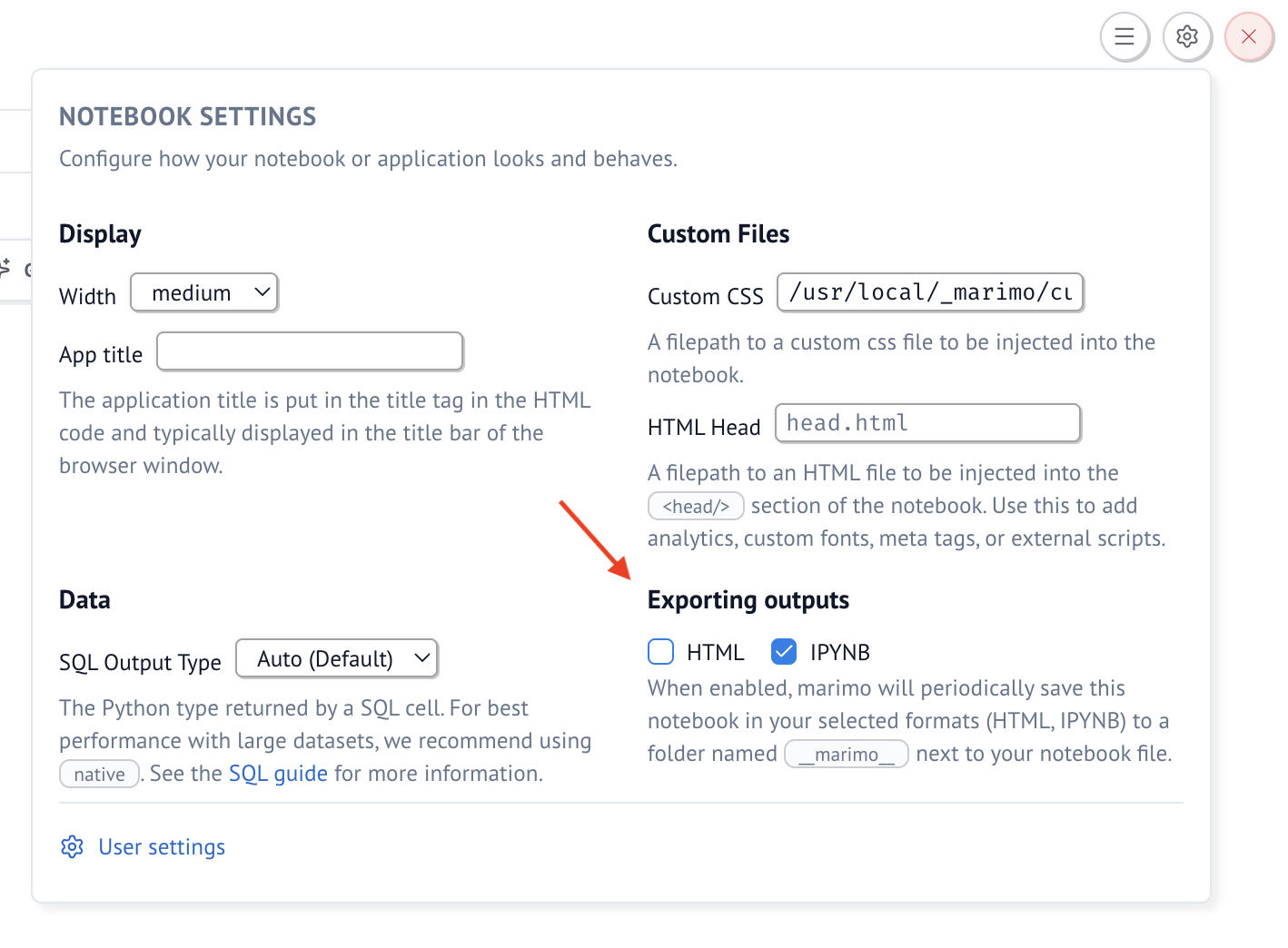
You can configure individual notebooks to automatically
save as ipynb through the notebook menu. These automatic snapshots are
saved to a folder called __marimo__ in the notebook directory.
Export from the command line
Export to Jupyter notebook in topological order, so the notebook can be run from top to bottom:
Export with cells in the same order as the marimo notebook:
See all options:
Convert back to a marimo notebook
You can also convert a Jupyter notebook back to a marimo notebook: